![trekksoft-whitelogo.png]](https://support.trekksoft.com/hs-fs/hubfs/trekksoft-whitelogo.png?height=30&name=trekksoft-whitelogo.png)
Here is what we cover in this article:
_______________________________________________________
Overview
The Activity categories option allows you to group your activities/packages into different categories.
_______________________________________________________
How to setup Activity Category
- Navigate to Settings > Product & Booking Settings > Activity Categories in the left navigation bar.
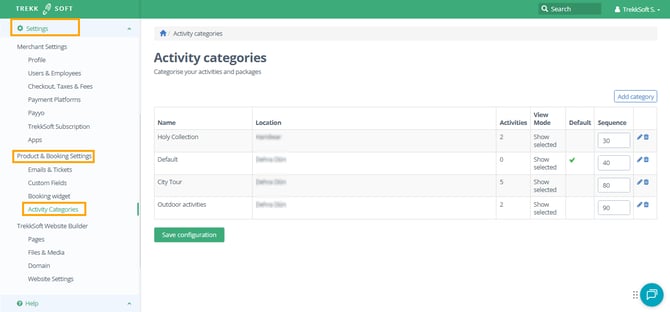
- In this section, you will see all of the categories that you have created.
- You can also edit the order that the category that appears by changing their values in the "Sequence" column.
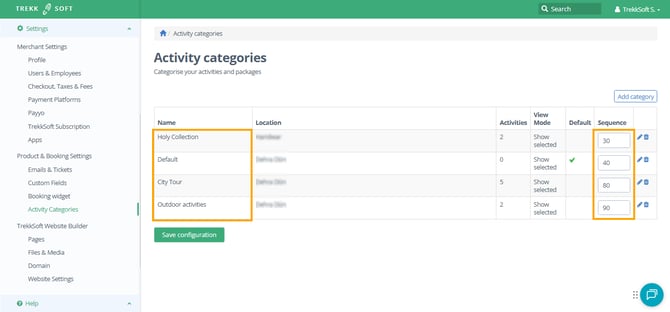
- Click the "Add Category" button.

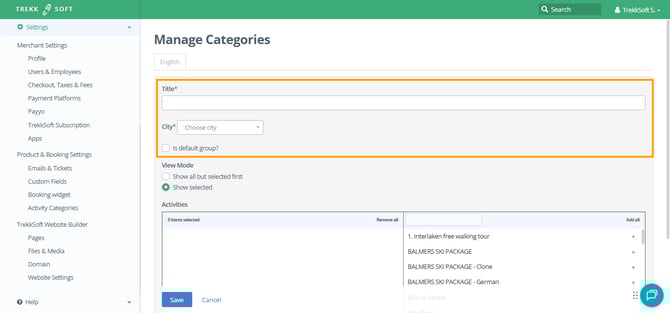
- Set up the category.
- Title: The title of the category. It is a required field.
- City: City of the tour group. It is a required field.
- Is default group?: Check this option if you would like this group to be used as the default group for this language.
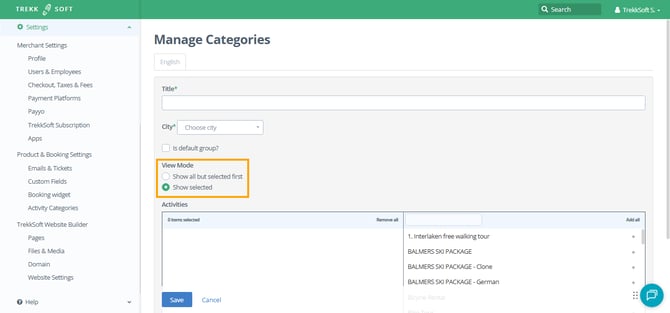
- View Mode: Choose the option as per your requirement.
- Show all but selected first: This option will show all the tours but the selected one first.
-
Show selected: This option will show the selected tours only.
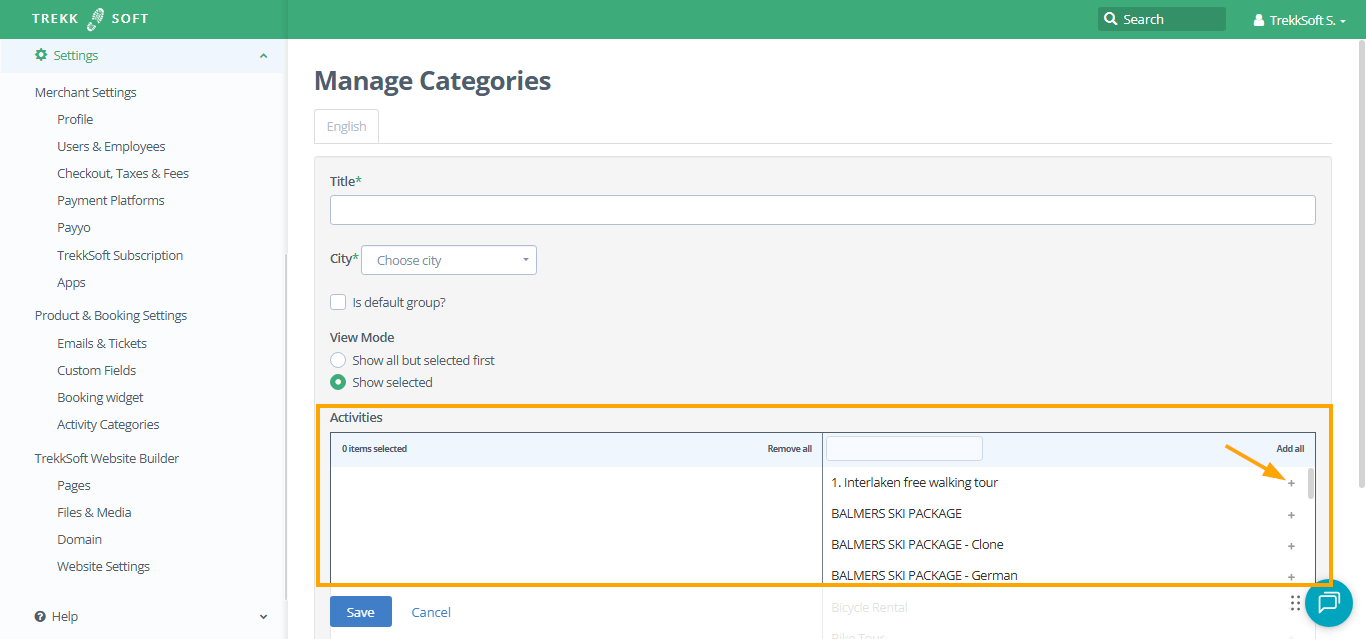
- Activities: Add activities to this category by clicking the grey "+" sign next to each tour.
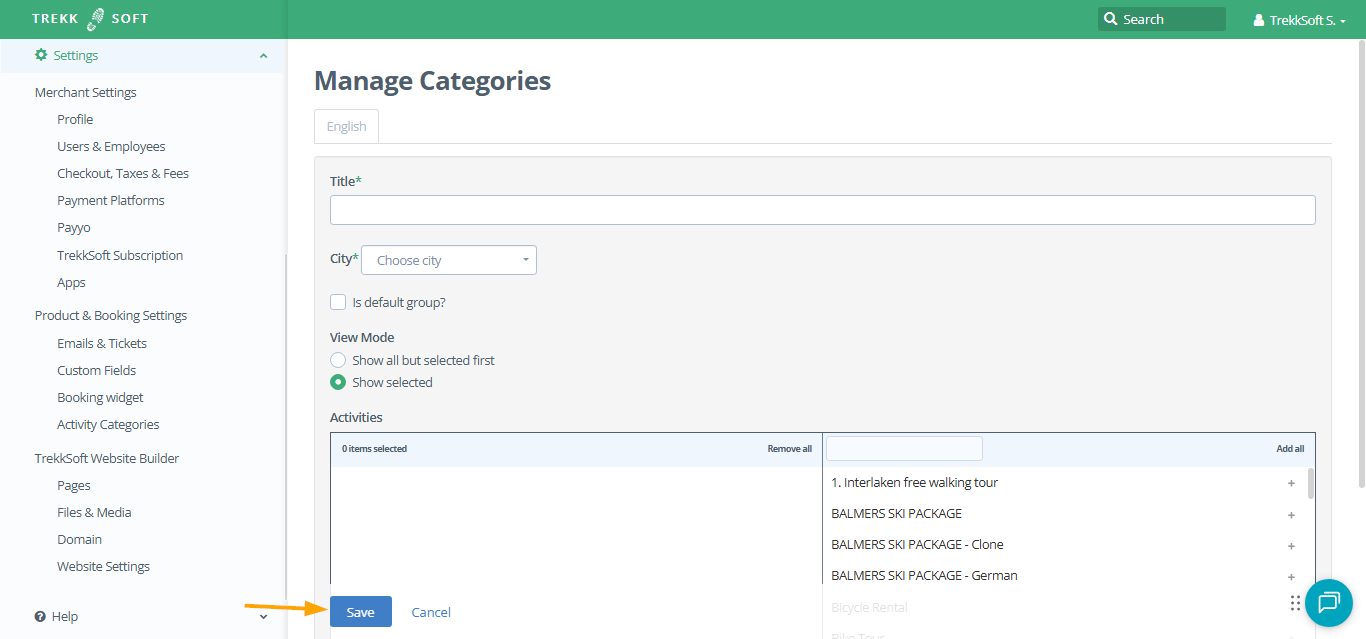
- Click Save.
_______________________________________________________
Screencast Tutorial
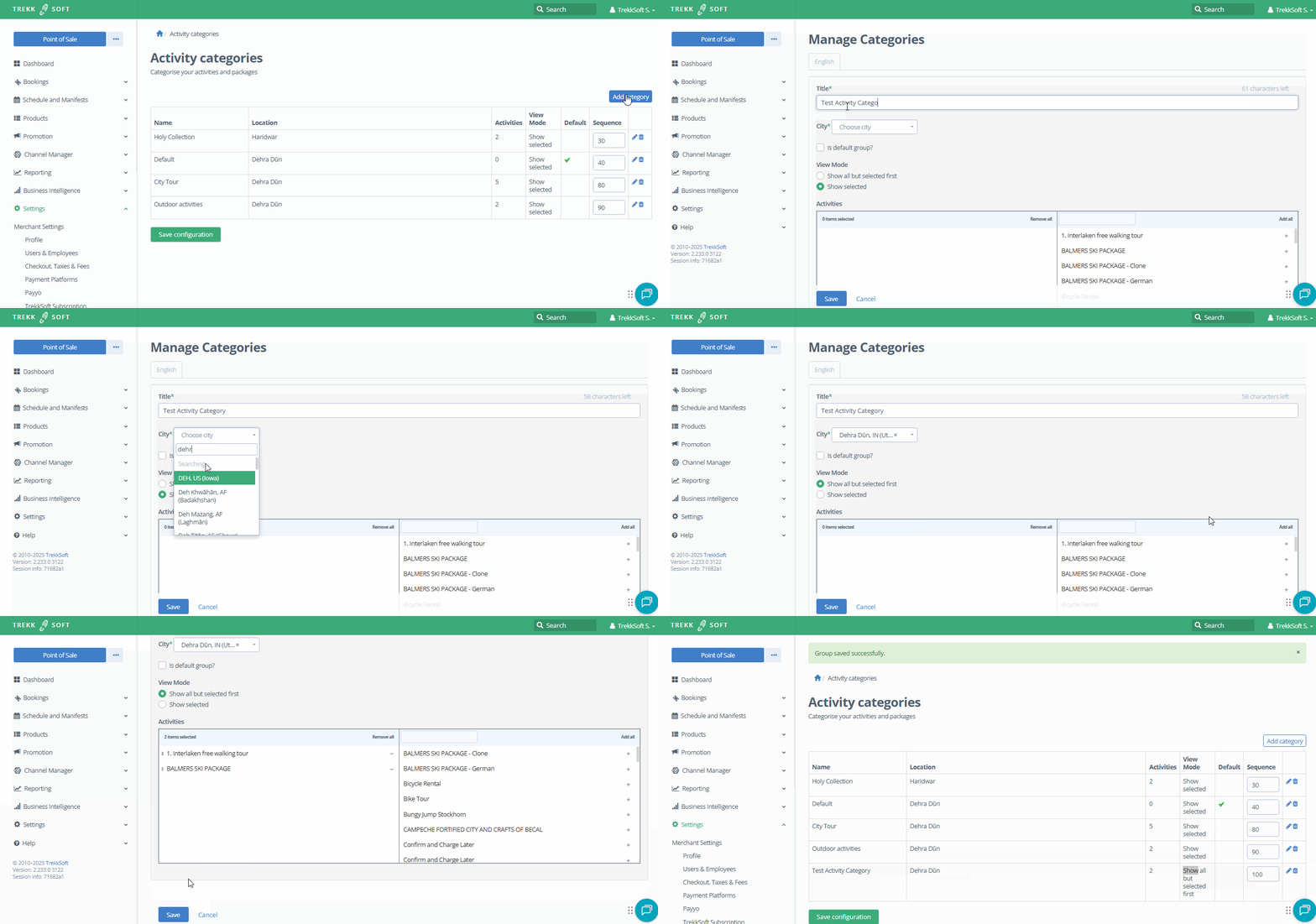
Watch the screencast tutorial showing the step by step instructions on how to create Activity Category below: